
ShiftSleep vs SuperShift: Schedule Tracking or Shift Recovery Planning?
SuperShift is strong when the main need is tracking and sharing shifts. ShiftSleep is built for what happens after the roster: when to sleep, wake, stop caffeine, and recover.

Use the right app for the job. Calendar management and sleep recovery are related, but they are not the same problem.
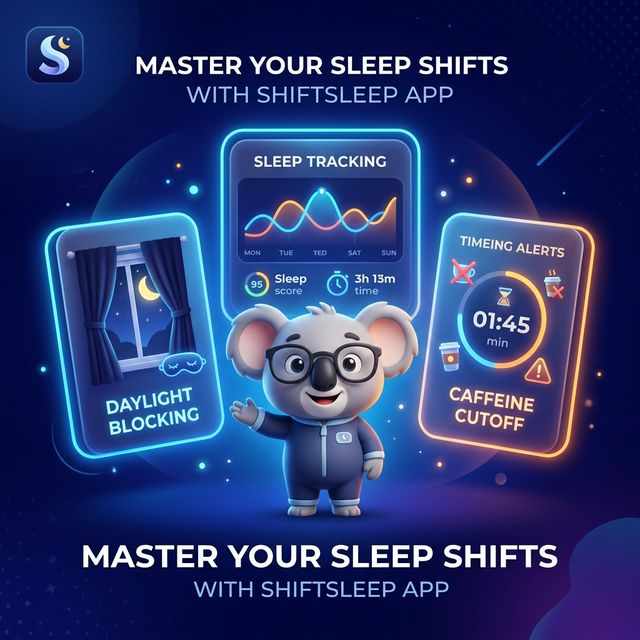
The short version of the comparison
This page is not about saying one product is universally better. It is about whether you need a schedule calendar or a shift-aware sleep plan.
SuperShift is strong for scheduling operations
Its App Store positioning emphasizes shift calendars, rotations, reports, and calendar sharing for people managing work schedules.
ShiftSleep is built for sleep and recovery decisions
The product focus is bedtime, wake time, caffeine timing, daytime sleep, fatigue signals, and recovery around the roster.
Choose based on the problem you need to solve next
If the hard part is logging shifts, use a schedule tool. If the hard part is recovering from them, use a recovery tool.
Choose ShiftSleep if your next question is about recovery
ShiftSleep fits best when the roster is already known and the harder problem is sleep timing, fatigue, and daytime recovery.
You want a sleep plan, not only a shift calendar
Use ShiftSleep when the real problem is what to do before and after a night, rotating, or 12-hour shift.
You need bedtime, wake time, and caffeine timing together
ShiftSleep is built around those linked decisions, not around broader schedule operations.
You care about fatigue and recovery patterns across the week
Use the app when the roster is affecting energy and recovery, not only calendar visibility.
You want a sleep plan, not only a shift calendar
Use ShiftSleep when the real problem is what to do before and after a night, rotating, or 12-hour shift.
You need bedtime, wake time, and caffeine timing together
ShiftSleep is built around those linked decisions, not around broader schedule operations.
You care about fatigue and recovery patterns across the week
Use the app when the roster is affecting energy and recovery, not only calendar visibility.
Where each product fits best
This comparison is based on each product’s public positioning and intended workflow.
Decision pointCapability | Recovery workflowShiftSleepBuilt around sleep and recovery actions | Schedule workflowSuperShiftBuilt around shift calendar management |
|---|---|---|
Shift input from your rosterUse the schedule as the starting point | Built in for sleep planning | Built in for calendar planning |
Bedtime, wake time, and caffeine guidanceWhat to do after the shift is set | Core workflow | Not the main use case |
Fatigue and recovery visibilityUnderstand how hard weeks are affecting you | Built in | Not the main use case |
Daytime sleep supportRecovery after nights and rotating schedules | Built in | Not the main use case |
Calendar sharing, reports, and payroll-style planningOperational schedule management | Not the main use case | Core workflow |
Questions about choosing between ShiftSleep and SuperShift
A practical comparison instead of an attack page.
Is SuperShift a bad product?
No. It appears well suited to schedule management, rotations, and calendar sharing. It just solves a different primary problem from ShiftSleep.
Is ShiftSleep a full replacement for a shift calendar app?
Not necessarily. ShiftSleep uses shifts as input, but the main output is sleep and recovery guidance.
Which app is better for night-shift recovery?
ShiftSleep is the stronger fit when the question is how to sleep, recover, and manage fatigue after the shift.
Why make a comparison page at all?
Because many shift workers start with a schedule app search and only later realize the harder problem is recovery.
Choose the app that answers the problem after the shift
Download ShiftSleep if the next decision you need help with is sleep, wake time, caffeine, or recovery rather than schedule administration.